Ko-fi
Best for support, tips, and small service-credit money without a formal checkout.
$5+
Open Ko-fi
Choose the easiest payment route for AetherMoore work: Ko-fi for support, Cash App for a direct manual payment, card checkout for fixed offers, or invoice/procurement when a buyer needs paperwork. One-time paths have no subscription unless the offer says monthly.

Best for support, tips, and small service-credit money without a formal checkout.
Best for direct manual payment. Put the offer name in the note.
Best for fixed offers, monthly support, and a normal receipt.
Best for Square/manual invoice, federal/vendor paperwork, or procurement routing.
These are the structured checkout links already wired into the public offer registry.
Self-serve command-line workcell tooling and docs. Managed help is separate.
Buy Workcell CLILocal shutdown, BSOD, disk, memory, WHEA, and storage-warning report for AI workstations.
Buy Black Box See productRedirects after Stripe checkout to a protected ZIP download for the process files.
Buy Process PackThe payment route is not the product by itself. It connects the buyer to the right delivery lane, support record, and manual review path before any sensitive files are requested.
Service purchases can route into a decision record, threshold worksheet, pilot checklist, review notes format, manual handling path, and delivery recovery note.
Payment note, receipt, and buyer email become the delivery record so the right offer is matched without a long intake form.
Service work routes to a decision record, threshold check, pilot checklist, and review notes before the final manual handoff.
Terms, privacy, delivery timing, and support contacts stay visible before checkout so the buyer knows what happens next.
Send to $IzzyDDavis7. Use the payment note to name the offer and the email address to contact for delivery or intake.
$IzzyDDavis7.Workflow Snapshot - buyer@example.com.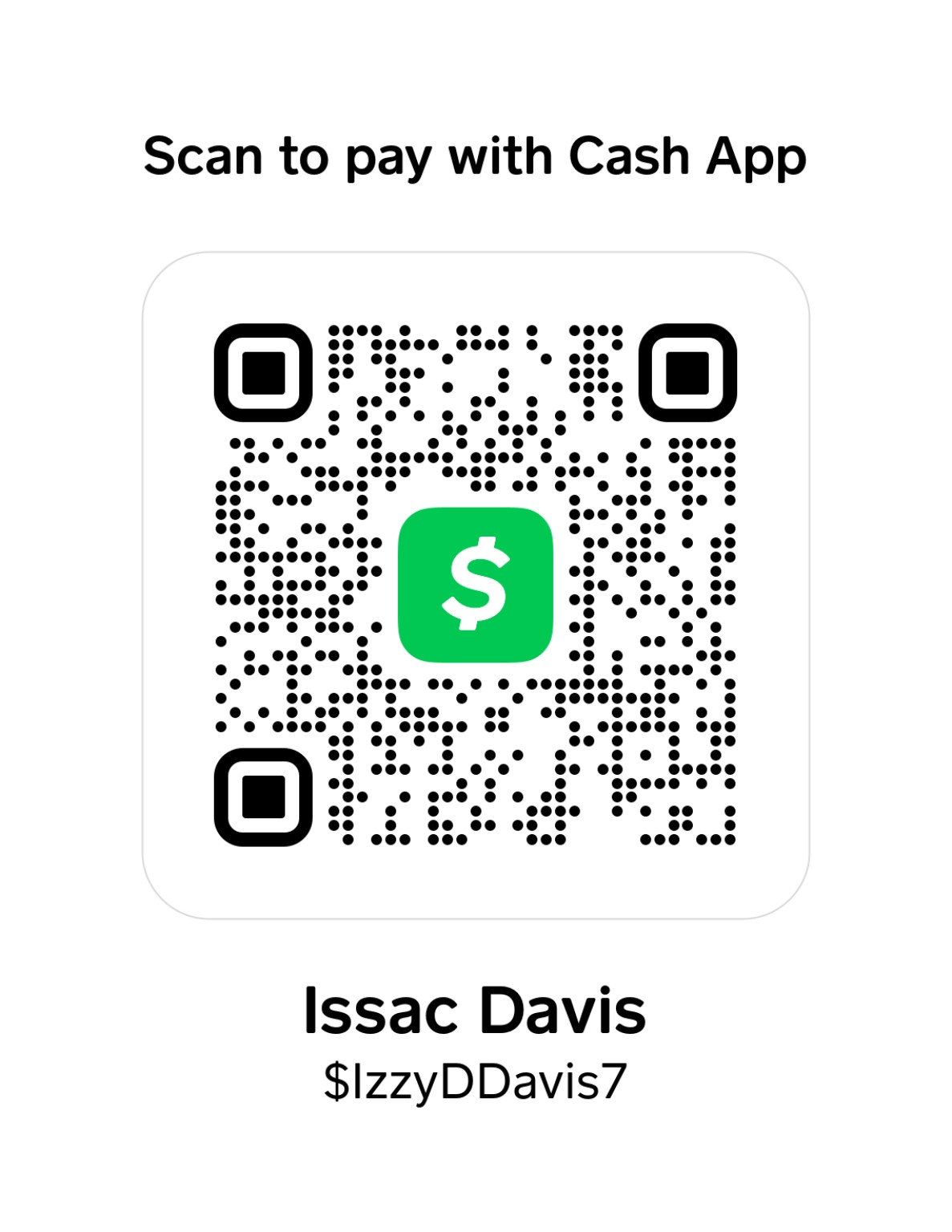
If a buyer needs a manual invoice, Square-style card request, purchase record, or government/vendor paperwork, send one email instead of guessing which checkout link to use.
Good fit: buyers who want a low-friction way to support the work, buy a starter review, or route an agent-governance service payment without setting up a vendor portal first.
Not for: emergency incident response, regulated-data transfer before handling rules are agreed, or buyers who need a custom statement of work before paying.
A successful payment leaves a receipt, a named offer, a buyer contact, and a clear next step: delivery link after checkout, manual support follow-up, or an invoice/procurement response.
Start with the Workflow Snapshot if you want a written agent workflow review. Read the governed workflow use case first if you are comparing options.
Compare starter downloads and deeper work on Toolkit vs Full Repo.
The manual delivery proof explains why sensitive governance work uses a visible handoff instead of blind automation.
Review the red-team page and red-team summary before buying.
Keep the receipt. For manual Ko-fi or Cash App service payments, include the offer name and buyer email in the note. Do not send secrets, regulated customer data, private keys, or protected files until handling rules are confirmed.
If you are not sure which route to use, Ko-fi is the simplest support path. For service work, buy the Snapshot Starter or request an invoice with the offer name and buyer email.